
Default settings in no-code automation platforms are engineered to protect cloud infrastructure from runaway loops, not to protect client delivery schedules from dropped tasks.
When an automated step breaks inside a service business, tools like Zapier and Make quietly disable the scenario or park the payload in an unmonitored queue rather than sounding an immediate alarm. The failure stays invisible until an account manager asks why a project board is blank or an angry client calls about a missing intake link.
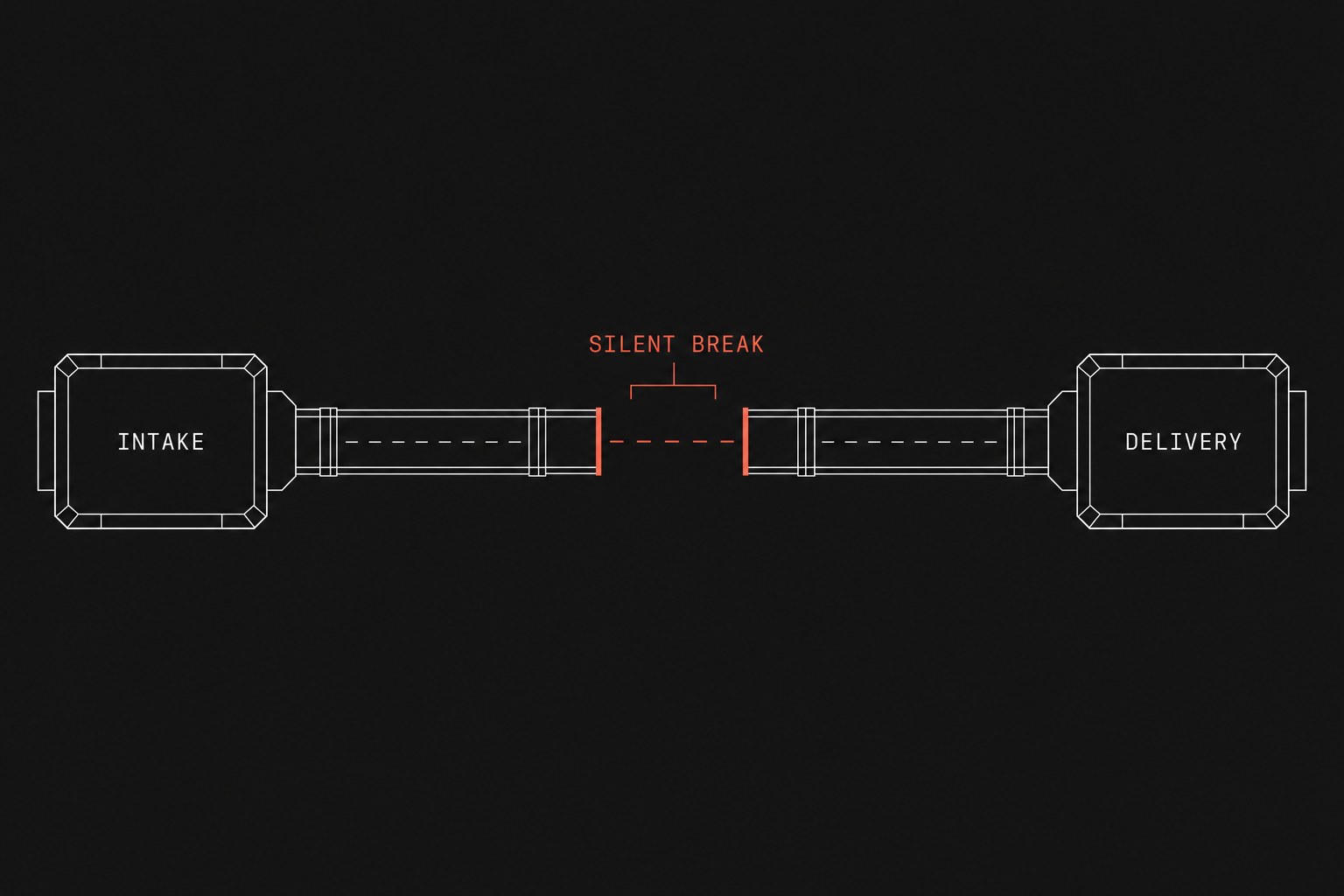
Every hidden failure adds to your manual tax (the recurring labor hours a team spends checking, fixing, and double-keying work that software was supposed to handle). Before you build new workflows, you need a clear stack inventory before automation sprint to see where these point-to-point connections live. Without visible failure handling, your tools run without shared observability, compounding the reality that ops tools no shared events creates blind spots across your entire delivery cycle. When you try to quantify manual tax operations, silent automation debt often accounts for the largest share of wasted management hours.
The architectural default: self-preservation over business continuity
Cloud platforms sell simplicity, so their default error behaviors prioritize system stability over operational awareness. An iPaaS (integration platform as a service, a cloud software suite that connects separate applications together) must prevent infinite loops from draining API quotas or crashing servers. To do that, platforms make three specific design choices that work against client operations.
1. Automatic kill-switches without team alerting
When a Zap experiences a sustained spike in errors, Zapier's default safety protocol automatically turns the Zap off. If an endpoint changes or an authentication token expires overnight, the platform shuts down the connection after hitting its error threshold.
Unless your operations team configured notification routing to a monitored shared inbox, the notification goes to whichever former employee originally created the connection on a personal account. The business continues submitting forms and closing deals, but every automated step stops executing entirely.
2. Incomplete executions parked in hidden tabs
Make handles errors differently by offering incomplete executions (a staging area where the platform pauses and stores failed scenario runs instead of stopping the whole workflow). This sounds helpful on paper because it preserves the payload.
In practice, incomplete executions are turned off by default for many modules, or they quietly collect hundreds of unresolved records in a sub-menu that nobody checks. Work sits in limbo, the live scenario reports an active status, and coordinators assume the handoff (work leaving one person or system so another person or system can continue) completed cleanly.
3. Missing payload logs and state tracking
When an operational handoff breaks, a coordinator needs to answer three simple questions:
- Which client record failed?
- What specific field triggered the rejection?
- How do we re-run this specific payload without creating duplicate invoices or tasks?
Point-to-point triggers rarely give you these answers out of the box. A failed webhook will report a generic 400 Bad Request or 422 Unprocessable Entity without showing the customer name or order number on the summary screen. Your team is forced to dig through raw JSON strings in an execution history log just to find out whose onboarding got dropped.
The mechanics of silent failure
The table below contrasts how standard no-code automations handle everyday operational glitches against what a 20 to 200 person service firm actually requires:
| Operational event | Default no-code behavior | Production operational requirement |
|---|---|---|
| Single field format error (e.g. invalid phone number) | Entire run halts; record sits in task history | Isolate error, log bad field, alert team in Slack, process remaining fields |
| System outage on destination tool | Re-tries 3 times immediately, then marks run failed | Exponential backoff retry queue with dead-letter visibility |
| High error rate on batch sync | Scenario is automatically switched to off | Workflow stays armed; summary error ping routes to operations lead |
| Expired user authentication | Drops all incoming webhooks silently | Fallback notification triggers via secondary webhook |
How to calculate the cost of silent automation debt
When an automation fails silently, you do not just lose the two seconds of compute time. You lose the labor required to audit every client record created during the downtime.
To calculate your true exposure per silent outage, use this formula:
Total outage cost = (Audit hours + Fix hours) × Blended hourly wage + Client delay costIf a billing sync turns off unnoticed for four business days across 50 active client accounts:
Audit and repair labor = 12 hours × $65 = $780When you add the cash flow delay and the coordinator time spent fielding messages like "Why hasn't my project kicked off yet?", a single turned-off connection costs more than the annual subscription of the software running it.
When not to replace your existing tools
You do not need to scrap Zapier or Make if your automations meet these specific conditions:
- The workflow is strictly internal with no customer-facing delivery impact (for example, archiving completed Slack channels).
- The volume is below ten runs a week, where a manual double-check already happens as part of normal duties.
- The workflow has explicit error-handling paths attached to every destination step, routing failure notifications to a public operations channel with full record payloads.
If a workflow touches onboarding, billing, service delivery, or client communication, relying on default platform settings is an unmanaged business risk.
Next step
Move your core client delivery pipelines off unmonitored point-to-point triggers and into observable orchestration workflows that fail visibly, capture payload errors instantly, and protect your team from manual rework. Flaux designs and deploys custom operations infrastructure with built-in dead-letter queues and proactive alerting so your team never discovers a broken handoff from an unhappy customer.