
A field job is a chain of state changes that have to finish while the people who own them are in different places.
A spreadsheet can store the last typed value, but it will not enforce the next operational state unless a dispatcher sits in the middle and does that work by hand.
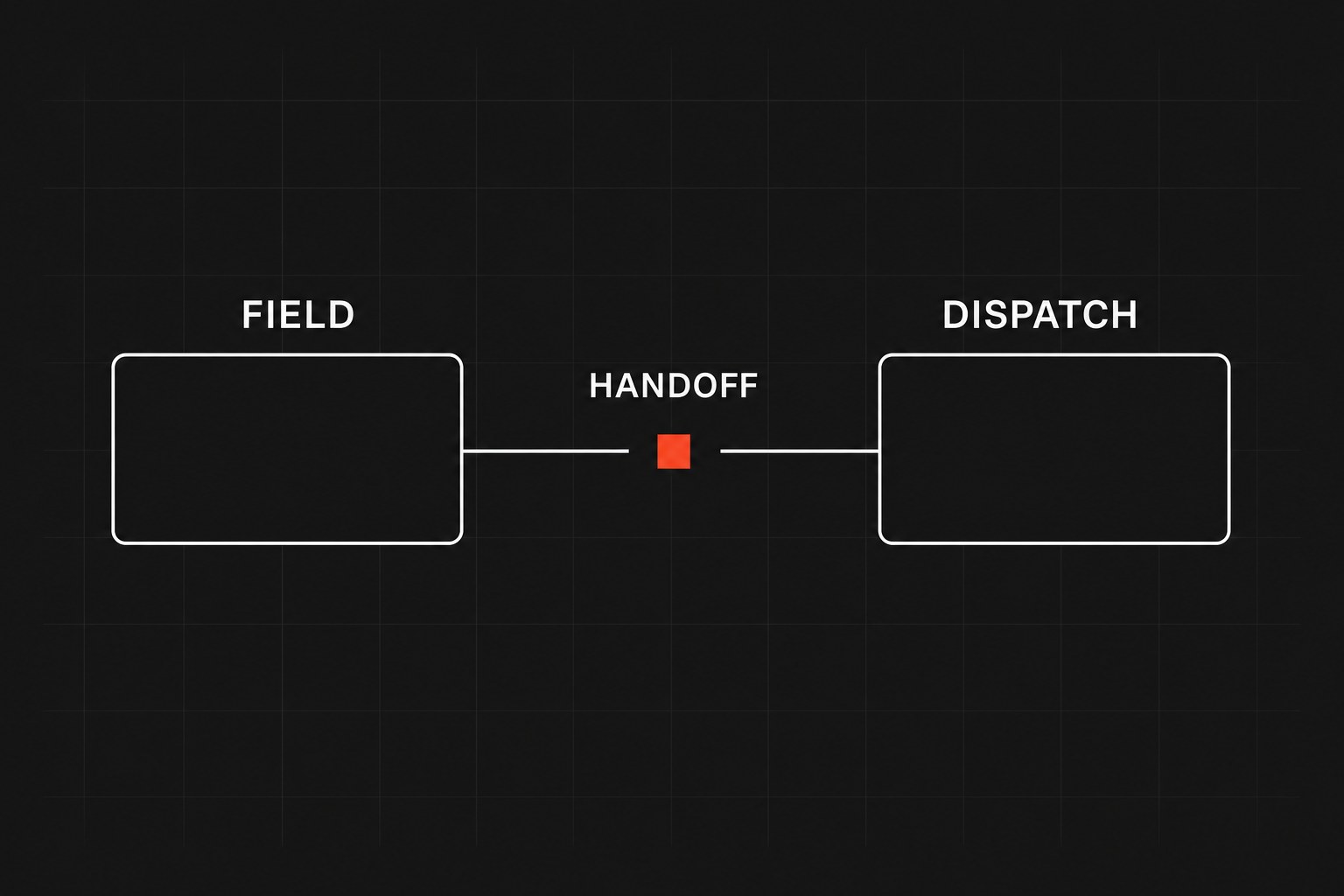
That extra dispatcher work is a manual tax you can count the same way you count copy-paste bridges between a CRM and a sheet. Walk the job at the five places state has to move while nobody is sitting in the grid:
- Mid-day reroute
- Parts off the truck
- On-site scope
- Customer ETA
- Closeout to invoice
Why a cell cannot hold a state
A cell will accept any string, so "In Progress," "maybe 2pm," "used a valve," and a blank all look identical to the grid. None of those values know whether the technician is still on site or whether billing is allowed to draft an invoice.
Dispatchers do the enforcement the grid cannot do. They call for a location, retype a status two people already changed, and hope the fill color in column G is still true. That holds up when one person can keep the day in their head, and it collapses once the job owners are on the road. Ask of each handoff whether the job can sit wrong for hours with no alert.
Walk the five handoffs
Mid-day schedule and reroute
Small shops assign the night before, and technicians open the tab, drive the list, and flip "Scheduled" to "Complete" when they leave the site. That pattern dies the first time a job runs long or an emergency lands on the same crew.
Nobody updates a shared row in traffic with any reliability. The dispatcher calls for a location, types a guess into the sheet, and texts the next customer, while two people editing the same tab overwrite each other. Treat "In Progress" and "Blocked" as events the route can react to, recalculate what still fits, and surface the exception to a person who can decide.
Parts and truck stock
A technician uses a valve from van stock, writes the SKU in a notes column, and closes the job. That column often sits until Friday, and the warehouse learns the bin is empty when the next crew needs the same part and someone spends billable hours at a supply house.
The sheet has no bind between job close and inventory, and a nightly copy still fails when the SKU in the sheet is not the SKU in the warehouse. Closing the work order should decrement truck stock and trip a replenish threshold in the same motion. If that write fails, the close should fail in a queue someone already watches.
On-site scope and sign-off
Technicians find extra work once the cover is off. Approval lives in a verbal go-ahead or a note that may never make it back to the row, and the invoice later shows the same misses: work with no written authorization, an approval dispatch never saw, or the original quote billed while the extra labor is given away.
A sheet cannot freeze a job pending a signed variance. The job should not reach Complete until that sign-off sits on the billing record. If you cannot point to the authorization from the invoice, you do not have a close.
Customer ETA
Customers want a window. On a sheet, that window is a dispatcher estimating progress, guessing traffic, and sending a text. Once the crew is larger than one person can narrate, the texts thin out, and late arrivals plus locked sites come back as inbound anger on the same desk that was supposed to be routing.
An "En Route" state can calculate a window from the last known status and send a standard message, while dispatch keeps the true exceptions, such as a site that will not open or a job that just doubled.
Closeout to invoice
Cash stalls here more often than on the truck. Hours, notes, and photos live in extra rows or a drive folder, and billing audits every job by hand because the sheet will let a technician mark Complete with an empty description and no serial.
Watch for missing warranty photos, work notes that say "done," and time that does not match arrival. Invoices that should leave in a day sit until someone reconstructs the job, and disputes rise because the customer is arguing from a conversation the office never captured. The technician should not be able to close until the serial, the photo, and the signature exist. Then the billing draft can compile from those fields.
Price the coordination
Before you replace the workbook, put a number on the middleware. The line below is a worksheet you fill from your own tallies, not a product result.
Fill each factor from a week of counts on one crew: headcount, status changes that required a person to notice and copy, minutes of talk and typing (not drive time), and the loaded hourly rate for whoever does the coordination. Two hundred fifty is working days.
Annual coordination waste
If you cannot fill a factor from a tally, leave it blank and measure that handoff for five days. A guessed annual figure will get used in a software argument you cannot defend.
When the sheet still makes sense
Keep the workbook when:
- You have fewer than four technicians and one dispatcher who sit in the same room and can shout a change across the desk
- The jobs are multi-week capital work that change state a couple of times a week
- You are still inventing a new service line whose required fields are not stable enough to encode
If one person can hold the day in their head, a custom workflow is overhead. You need the workflow when a job can sit wrong for forty-eight hours and nobody is alerted.
Pick one typical job and write the five handoffs above: every tool, text thread, and sheet tab, plus the manual touches from first call to invoice. Mark every place the job can sit for forty-eight hours with no alert, then read the last twenty invoice disputes or late-arrival complaints and name which handoff produced each one. That map is the spec. You are looking for a state the sheet will accept that operations cannot.
Next step
Missing parts and late invoices are the same class of failure as dispatch chaos. Replacing the sheet with unattended point-to-point links usually hides the break instead of surfacing it.
Bring one work-order type. Flaux will mark where the row stops being a system and draft a workflow that fails in a queue you already watch, instead of another copy-paste or a silent Zap. That map is the workflow-automation engagement.