
A recurring CRM-to-spreadsheet paste is still running because the workbook will accept a row that a point-to-point sync will reject or drop.
The sheet reformats the address, fills a default the rep left empty, and keeps the exception out of billing until a person decides what to do with it.
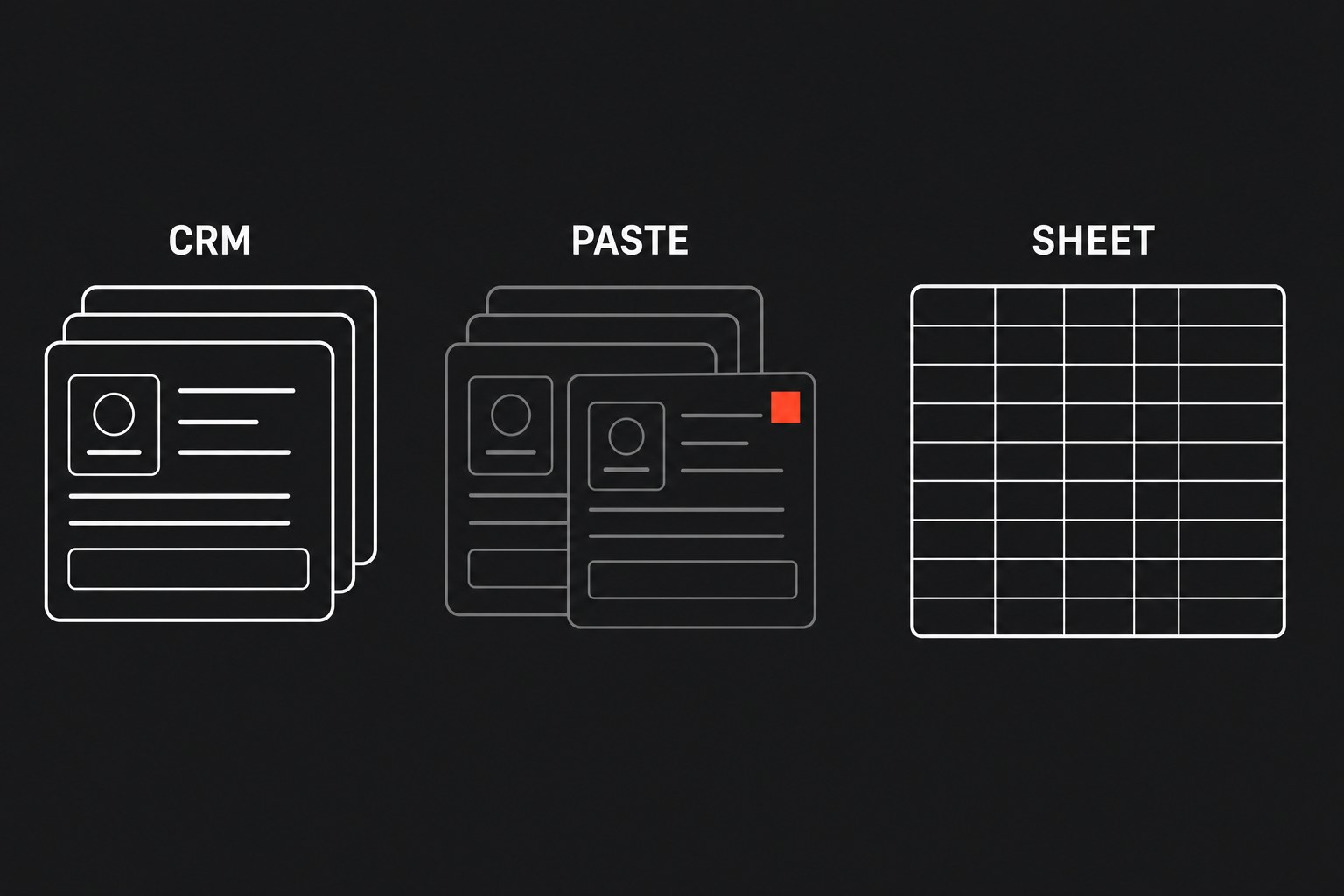
Treat that paste as a manual tax with a named handoff (the moment work leaves the CRM so another tool can run), not as a personality trait of the coordinator who owns the CSV. The exception path is the constraint, and another connector will not invent one.
Find the paste before you buy a sync
Ask who exports from the CRM so another system can run, then watch what they do to the file before anyone else will take it. That cleanup is the integration. The export button is only how the payload arrives.
Common hiding places:
- Closed-won to billing. Sales marks the deal, then billing wants item codes, tax jurisdiction, and milestone dates the CRM never collected, or collected as a note. Someone downloads the won list, splits bundled lines in the workbook, and re-types the result into the ledger. The same scope now exists in two places, and only one of them invoices.
- Dispatch and capacity. Field or specialist load often lives in a shared tab the floor actually trusts. A work-order update in the CRM means a person copies site notes and access details into that tab. The customer moves the window, the CRM updates, and the sheet stays wrong until someone notices the mismatch on a call.
- Contact cleanup. A downstream system refuses a combined name, a duplicate email, or a missing account id. The coordinator dumps the list, splits and trims, then pastes the
"clean"file onward. Type the id wrong once and the next report is already poisoned.
You are looking for the last place that accepted the exception. If the same person also maintains formula columns that "just make the export usable," you found the bridge.
Audit the formula columns as if they were code
Open the working copy, not the raw download. Every TRIM, VLOOKUP, concatenate, and nested IF is a rule the destination system needs and the CRM will not enforce. Those columns are the spec you never wrote down.
Walk one column at a time and write the rule in a sentence a new hire could follow:
- Which field may be empty, and what default fills it?
- How does a combined address become street, city, and postal code?
- What happens when the CRM product name has no matching ledger code?
If two people would paste the same export differently, the rule is still tribal.
Labeled synthetic example: a product column that reads "Install + first-year monitoring" must become two billing lines, one service code and one recurring code, or finance will reject the invoice. The sheet already does that split with a lookup table on a hidden tab. A field-to-field sync that has never seen that table will write a single garbage line or bounce the row. The paste exists because someone encoded the split where a connector would not.
Do not start by mapping APIs. Copy the formula rules onto paper first:
- Source field
- Allowed transform
- Required output
- Reject condition
That list is what you will later run as a workflow. Until it exists on paper, you are guessing which mismatches the sheet has been absorbing.
Replace the daily export with a contract that fails in the open
A data contract for this handoff is dull on purpose. Write down:
- The official tool (system of record) for each field
- The transforms a machine may apply
- The path a row takes when it cannot be written
For a closed-won-to-billing bridge, CRM stays master for customer identity and close date, and billing stays master for item codes and tax. The workflow may split a bundled line using the written rule, and it may not invent a jurisdiction. If jurisdiction is missing, the row parks instead of writing.
Deterministic means the same payload produces the same write, or the same failure, every time. Recurring manual exports and silent syncs both fail that test. The export depends on who ran it and which columns they filled. The silent sync drops or overwrites a field and leaves no owner.
Build the replacement as a workflow on the trigger record, not as a better CSV ritual. Validate required fields first, apply only the transforms you wrote down, and write the downstream record when the payload is complete. Success should be boring. Failure should land in a queue people already watch: a tagged view in the CRM, a channel the coordinator already lives in, or a parked-rows tab if that is still the file they open first.
Parked exceptions need an owner and a next action. "Fix the source record and replay" is a contract. "Ping someone if it looks off" is the old paste with extra steps. If the failure is silent, you will get a worse version of the bridge: the destination looks current, the CRM looks current, and nobody can say which row won.
Price the current paste before you replace it, so you know whether the contract is worth building this quarter.
Annual Bridge Cost
Labeled synthetic example: two people, 2.5 hours a week, $40 loaded is $10,000 a year for one handoff, before anyone repairs a bad invoice. Fill the factors from a week of tallies. Do not import a vendor percentage.
When you should leave the paste alone
Leave the export in place when:
- Volume is tiny and the offering is still exploratory. If one person pastes a dozen rows a month while you figure out how you even invoice a new service line, a contract will freeze a guess.
- The job is a one-off analysis snapshot. Exporting CRM data into a workbook once so you can mash it against another dataset is analysis. Doing that every weekday so billing can run is a handoff. The second one needs a contract. The first one does not.
- You cannot name the reject path. Build the queue first, or you will ship a silent sync and call it progress.
Next step
Map the handoff, then put a workflow on it that fails in the open. Flaux workflow automation is the engagement that writes that contract and the visible failure path, instead of another export or a sync that drops fields without a queue.