
Passing a single test run inside a workflow builder does not prove an automation is ready for production cutover across dispatch and billing.
A green checkmark in an editor only confirms that one clean sample record made it through without crashing the node. Live service data is rarely clean because field crews skip optional notes, homeowners reply to text notifications with paragraphs of questions, and cloud tools drop connections during peak morning traffic.
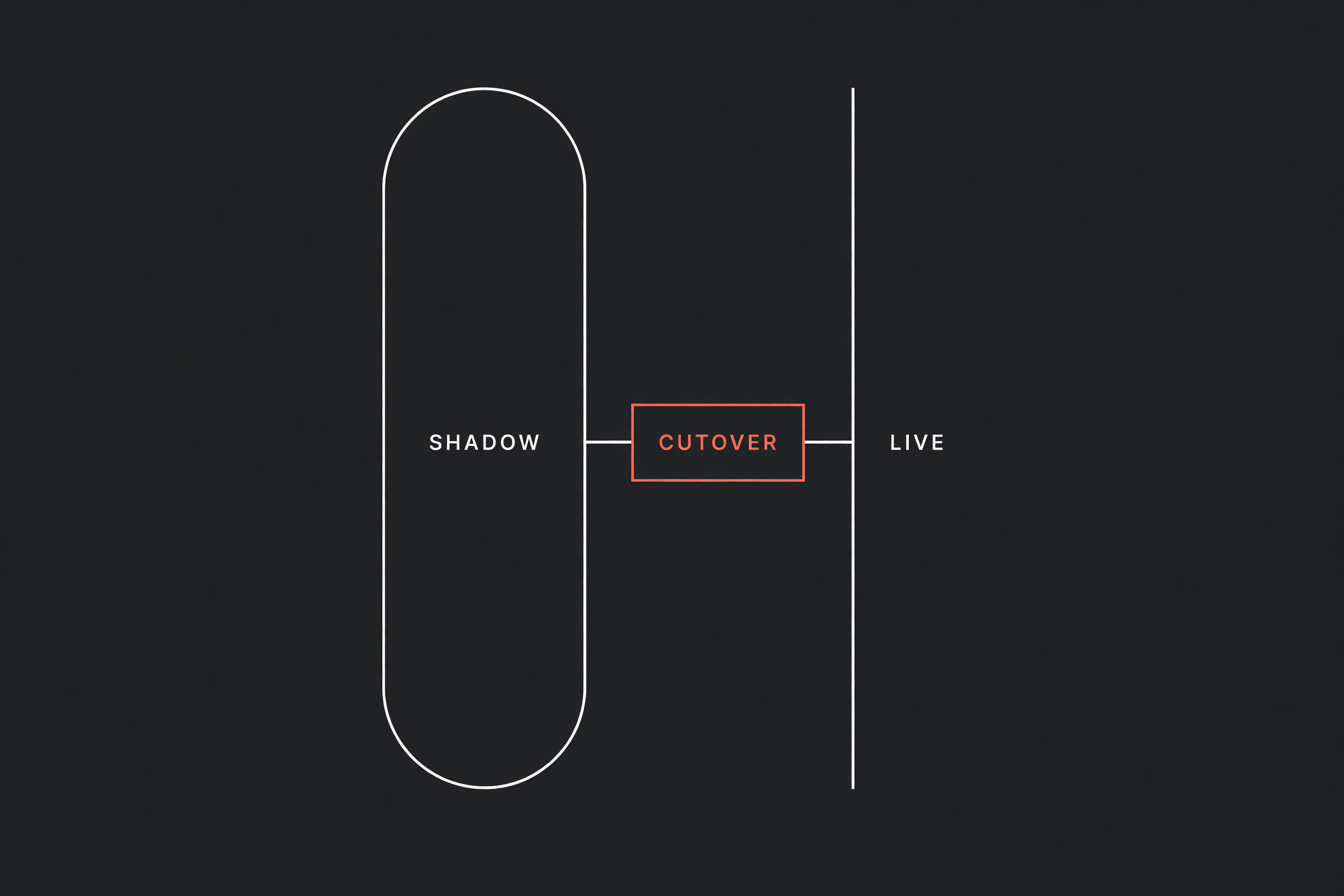
Before turning off a manual handoff (work leaving one person or system so another can continue), an operations team needs a structured validation sequence. Rushing an unverified workflow into live operations trades visible administrative lag for silent failures that corrupt downstream records. Moving from an evaluated SOP to a reliable pipeline requires four validation tiers, a parallel shadow run, and a documented rollback trigger.
Four validation tiers
Testing an automation requires validating edge cases and timing delays rather than just checking if a webhook fires.
- Unit payload testing with mocked inputs: Feed the workflow isolated test records containing messy inputs, such as special characters in address lines, missing optional contact numbers, zero-dollar totals, and duplicate emails.
- End-to-end sandbox execution: Run the pipeline across test accounts to confirm that every downstream action updates the intended system of record (the official tool that is supposed to hold the truth) without creating orphaned records.
- Shadow mode parallel run: Route copies of incoming production webhooks into the new workflow while pointing all write steps to a private audit sheet, leaving staff to process the live jobs manually.
- Supervised canary cutover: Route live traffic through the automation for a small, isolated territory or service line while monitoring error logs in real time before releasing it across the entire company.
shadow mismatch count = total shadow runs × discrepancy rateIf your dispatch office processes 250 work orders each week and your discrepancy rate between manual entries and shadow logs is 4%, running shadow mode catches 10 broken records during testing instead of creating 10 customer service escalations.
How to structure a shadow run
Shadow mode lets you evaluate automated logic against real operational data without risking customer communication or bookkeeping records. During a shadow run, the existing manual process remains the live system of record. Every incoming event, such as an approved estimate or a signed job sheet, feeds both the staff queue and the automated workflow.
| Testing stage | Trigger source | Destination target | Human action | Success criteria |
|---|---|---|---|---|
| Stage 1: Unit validation | Mock payload in editor | Isolated test object | Inspects field mapping | Zero unhandled schema errors |
| Stage 2: Sandbox staging | Form submissions in staging | Staging database or sandbox CRM | Reviews child records | Record IDs and timestamps match |
| Stage 3: Shadow parallel run | Live production webhook | Private log sheet or audit channel | Completes work manually as usual | Complete data parity across 50 consecutive jobs |
| Stage 4: Supervised cutover | Live production webhook | Live production CRM, billing, and SMS | Audits logs and handles alerts | 100 live executions complete without manual correction |
In Stage 3, the automation performs every calculation, lookup, and text formatting step, but its final action writes to an internal log sheet instead of sending live emails or updating invoices. At the end of each afternoon, a coordinator compares the manual entries against the shadow log to identify gaps.
Common problems discovered during shadow runs include:
- Field technicians typing "None" or "N/A" into numeric mileage and part cost fields.
- Repeat customers with multiple physical properties attaching to the oldest closed ticket.
- Missing area codes on mobile numbers causing SMS gateways to reject notifications.
- CRM rate limits throttling batch updates during early morning dispatch hours.
Pre-cutover checklist
Do not retire the manual checklist or reassign administrative staff until the automation passes every check below:
- [ ] Deduplication keys configured: Every webhook payload uses deduplication logic so a double-tapped mobile submission cannot create duplicate invoices or dispatch tickets.
- [ ] Explicit error alerts active: If an API endpoint returns an error, the workflow routes the failed payload to an internal operations channel with the original record attached instead of failing silently.
- [ ] Rate limiting and pacing applied: Outbound API calls include delay steps to stay within vendor limits during batch schedule updates.
- [ ] Shadow parity verified: The workflow has matched manual staff output across at least 50 consecutive live jobs without manual corrections.
- [ ] Rollback plan documented: The team has written instructions for how to switch off the automation and resume manual processing within fifteen minutes if data corruption occurs.
Rollback triggers and failback procedures
A cutover plan without an explicit abort trigger creates unnecessary panic when an edge case slips through. Before enabling live write permissions, establish the exact thresholds that require pausing the workflow immediately.
Clear rollback triggers include:
- More than two unhandled execution failures within any 60-minute window.
- A single instance of an incorrect price, message, or document delivered to an external customer.
- Any unmapped payload that creates duplicate records in the accounting platform.
If an automation hits a rollback trigger, the dispatcher turns the workflow trigger off, posts a notice in the internal operations channel, and directs staff to resume the manual SOP. Because the manual process remained active and documented throughout the shadow phase, team members can step back in without operational delays.
When not to run a full shadow mode
Shadow testing introduces extra coordination and requires manual log verification, which is unnecessary for low-risk internal workflows.
You can skip multi-week shadow runs when:
- The workflow only reads and summarizes data, such as generating an internal daily ticket digest.
- The action is non-destructive and simple to reverse, like adding a status tag to a newly created contact.
- The volume is low enough (under five records per week) that direct supervision of each live event is faster than maintaining a parallel log.
For any workflow that charges credit cards, alters customer-facing schedules, or sends automated notices, completing a structured shadow run protects your operational reputation.
Next step
Flaux audits manual administrative handoffs, builds production-grade automations with shadow-run verification, and implements clear failback controls for growing service businesses.