
A reliable workflow map for automation is a technical contract between systems, not a clean diagram of what you hope happens on a good day.
If a coordinator has to quietly fix a typo or look up a missing zip code by hand, your automation will break on day one unless that unwritten patch is written directly into the blueprint.
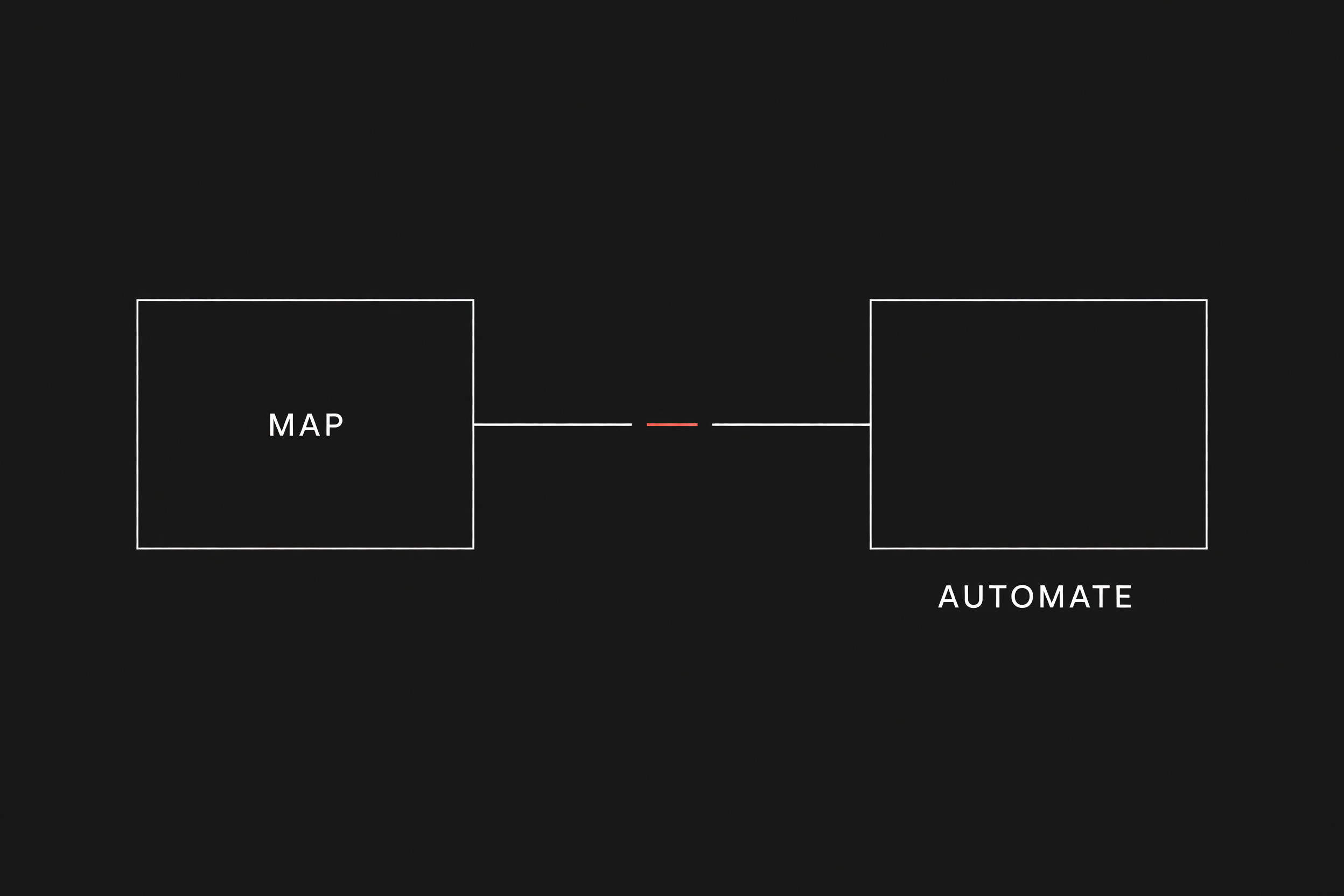
Most business flowcharts describe intent rather than mechanics. They show a box called "Send quote to customer" followed by a box called "Create invoice in QuickBooks." When you fix your process before you automate, you realize that software does not operate on intent. Software requires explicit event triggers, exact field values, and unambiguous rules for what to do when a phone number contains only eight digits.
Before you wire up webhooks or write a single script, you must map the operational reality. This guide lays out the step-by-step method to turn loose standard operating procedures into an engineering blueprint that your team can build against safely.
Why standard flowcharts fail automation builds
Traditional process mapping formats like SIPOC (Suppliers, Inputs, Process, Outputs, Customers) or basic swimlane diagrams work well for executive overviews and training new hires. They fail when applied directly to automation because they hide three failure modes:
- Invisible data transformations: A dispatcher knows that "John Doe (Commercial)" in the CRM means the billing contact should default to the corporate address on file, but an API expects an exact customer ID.
- Missing payload definitions: A box labeled "Notify field tech" assumes the tech already knows where to find the job site gate code, gate contact, and work order PDF.
- Silent exception handling: When a step stalls, a human worker asks a colleague across the room. An unmapped automation simply halts or drops the record silently.
Before writing code or prioritizing tasks using SOP-to-automation prioritization, you need a format that treats data payloads and system states with the same rigor as human steps.
| Mapping approach | Best used for | What it misses for automation |
|---|---|---|
| SIPOC Diagram | High-level scoping and defining project boundaries with stakeholders | Lacks event timing, data schemas, and branch logic |
| Swimlane Flowchart | Clarifying department roles and showing where handoffs occur | Hides system-level payload requirements and API error states |
| Automation Mapping Ledger | Specifying triggers, payload schemas, and explicit failure paths | Too detailed for executive overviews or high-level training |
The four structural layers of an automation map
Every robust automation blueprint consists of four concrete layers. If any layer is missing, the automation will either create bad records or fail without alerting anyone.
1. Trigger event and source state
Define the exact mechanical event that starts the execution. "When a job is done" is not a trigger. A trigger is "The work order status in ServiceTitan changes to Completed." You must also record where the system of record (the official tool that is supposed to hold the truth) logs that timestamp.
2. Payload and schema requirements
List every data field required to complete downstream tasks. If the workflow sends an SMS appointment reminder, the payload must include:
- Customer first name
- Valid E.164 formatted phone number
- Scheduled arrival window
- Assigned technician identifier
If any required field is null, the map must define whether the execution stops immediately or requests human input.
3. Handoff definition and ownership
A handoff (work leaving one person or system so another can continue) requires an explicit owner who receives notification if the data transfer fails. Never route an automated error to an unmonitored group inbox. Name the exact dispatch seat or operations role responsible for resolving stalled records within sixty minutes.
4. Exception paths and fallback logic
Map every route where the record deviates from the happy path (the standard scenario where data arrives complete, valid, and on time). Common exception branches include:
- Duplicate records detected in the destination database
- Missing billing email on an approved proposal
- Network timeout while calling an external inventory API
How to build an automation mapping ledger: Step-by-step
To document a workflow for automation, skip the diagramming software initially and build an automation mapping ledger in a spreadsheet. Follow this four-step sequence.
Step 1: Inventory the human patch-jobs
Sit with the coordinator or dispatcher for forty-five minutes during live operations. Watch where they copy text from one window, paste it into another, reformat phone numbers, or cross-reference an older sheet. Quote their exact phrases: "I always check if they have an active maintenance contract first" or "I have to delete the extra spaces in the address field or the invoice bounces." These small fixes become your validation rules.
Step 2: Define the trigger payload and field types
For each step in the workflow, write down the source tool, destination tool, and exact data fields required:
Trigger: Webhook from Jobber (status = "quote_accepted")
Required fields:
  - customer_id (integer, not null)
  - property_address (string, not null)
  - line_items (array of objects, minimum length 1)
  - deposit_amount_paid (float, currency USD)
Step 3: Map the exception branches
For every step, ask: "What happens if this field is blank, or the external server returns a 500 error?" Define the triage path:
- Does the record pause and notify the dispatcher via Slack?
- Does it retry three times over fifteen minutes before generating a triage ticket?
- Does it revert the status in the primary CRM so field crews do not work off unbilled jobs?
Step 4: Calculate the weekly manual repair cost
Quantify what manual intervention currently costs your shop so you know how much exception-handling engineering makes financial sense.
Weekly repair minutes = Failed records per week × Minutes per manual patch
Annual manual tax
If a 35-person commercial service company experiences 40 malformed quote entries per week, and each entry takes a coordinator 15 minutes to research and correct:
Weekly repair minutes = 40 × 15
That equals 600 minutes per week (10 hours). At a $30 hourly burdened labor rate:
Annual manual tax
That is $15,600 spent every year on human patch-jobs for one broken handoff.
When not to map a workflow for automation
Do not spend time mapping a workflow for automated execution in these scenarios:
- Unstable business rules: If your pricing model, team structure, or service offerings change every three weeks, automating will lock you into bad mechanics. Keep the process manual until the rules stay steady for sixty days.
- Low execution volume: If a workflow runs twice a month and takes five minutes to execute by hand, the engineering and maintenance cost will exceed the labor saved.
- Undocumented core processes: If two coordinators handle the exact same customer request in two completely different ways, you need standard operating procedures, not software scripts.
Next step
If your service team is spending hours each week re-entering job data, reformatting spreadsheets, or chasing missing job details across disconnected tools, Flaux can help you blueprint and implement workflows that handle exceptions cleanly and fail visibly when data is missing.